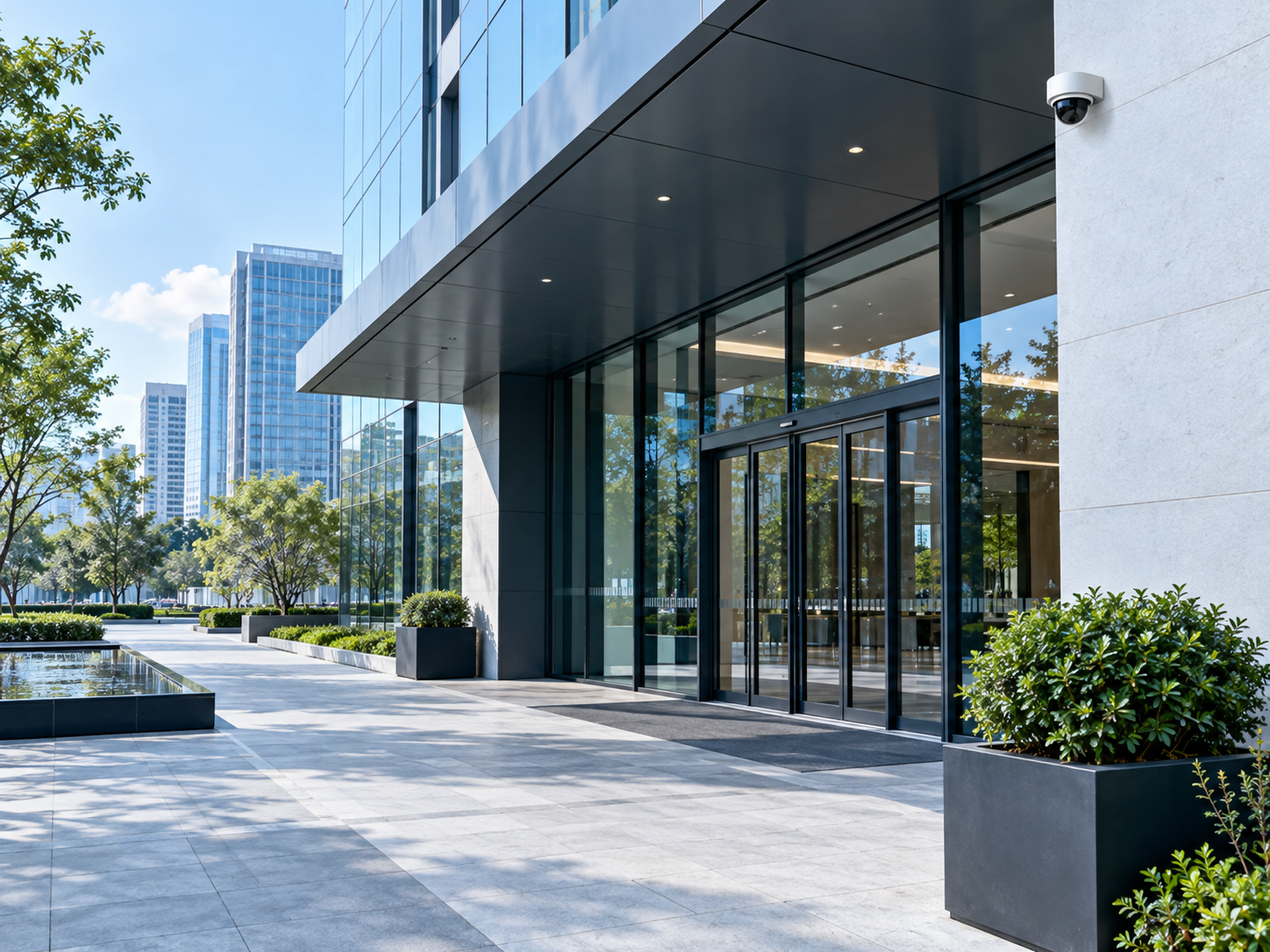
An entrance has a purpose.
The first conversation is about the space: who manages it, how it is used and what the installation is intended to support.
SENTRIQ / COMMERCIAL VIDEO SYSTEMS
Start with the space.
Build a considered system around it.
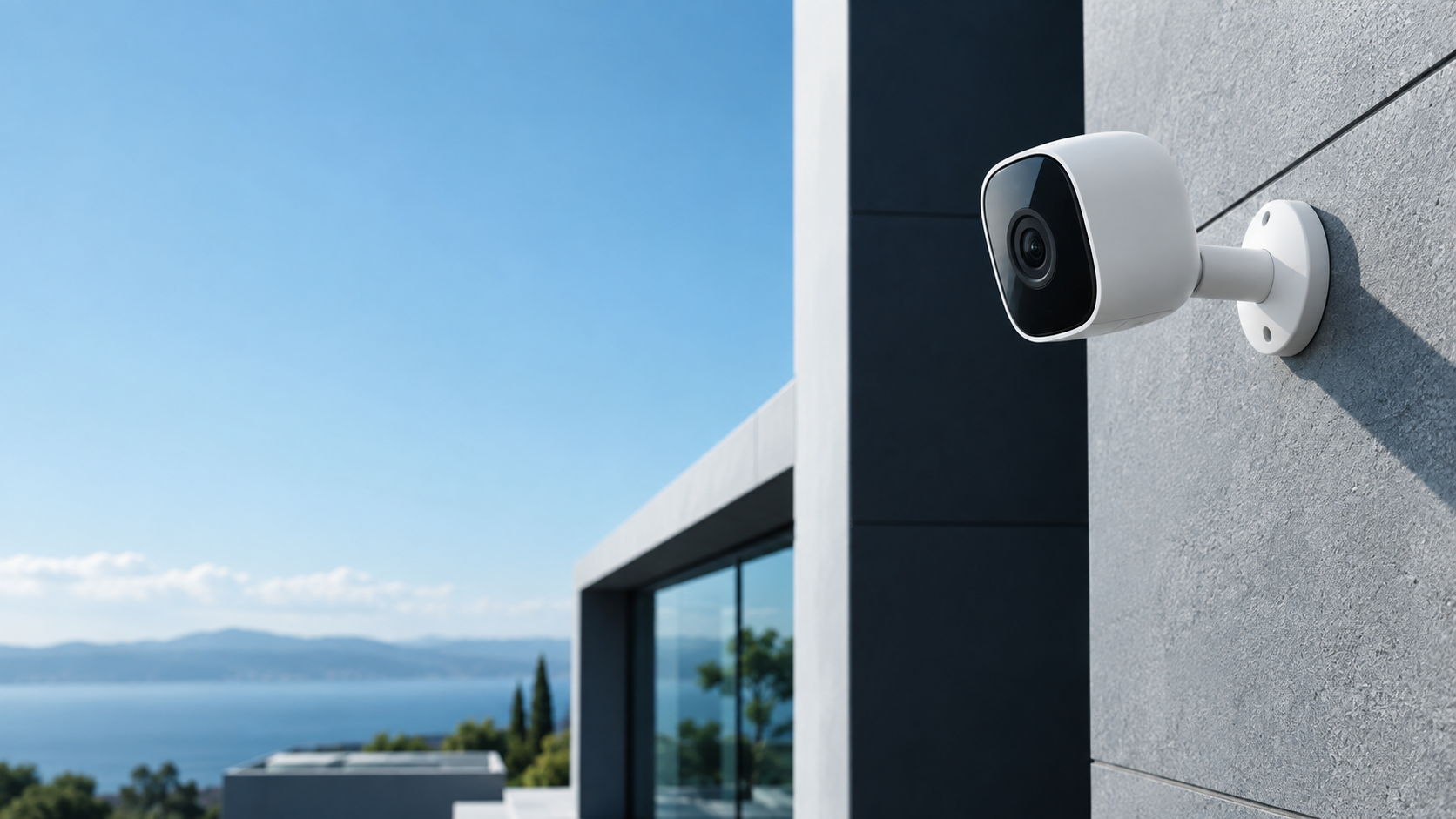
EVERY SPACE IS DIFFERENT
Map entry points, the intended purpose of each view and who will manage access to the system.
Consider shared spaces, installation constraints and an appropriate approach to privacy and responsibility.
Start with documented operating needs, lighting conditions and the relationship between equipment and existing infrastructure.
The first conversation is about the space: who manages it, how it is used and what the installation is intended to support.

A loading area changes through the day. Site conditions and operational responsibility belong in the equipment brief from the beginning.
HARDWARE IN CONTEXT
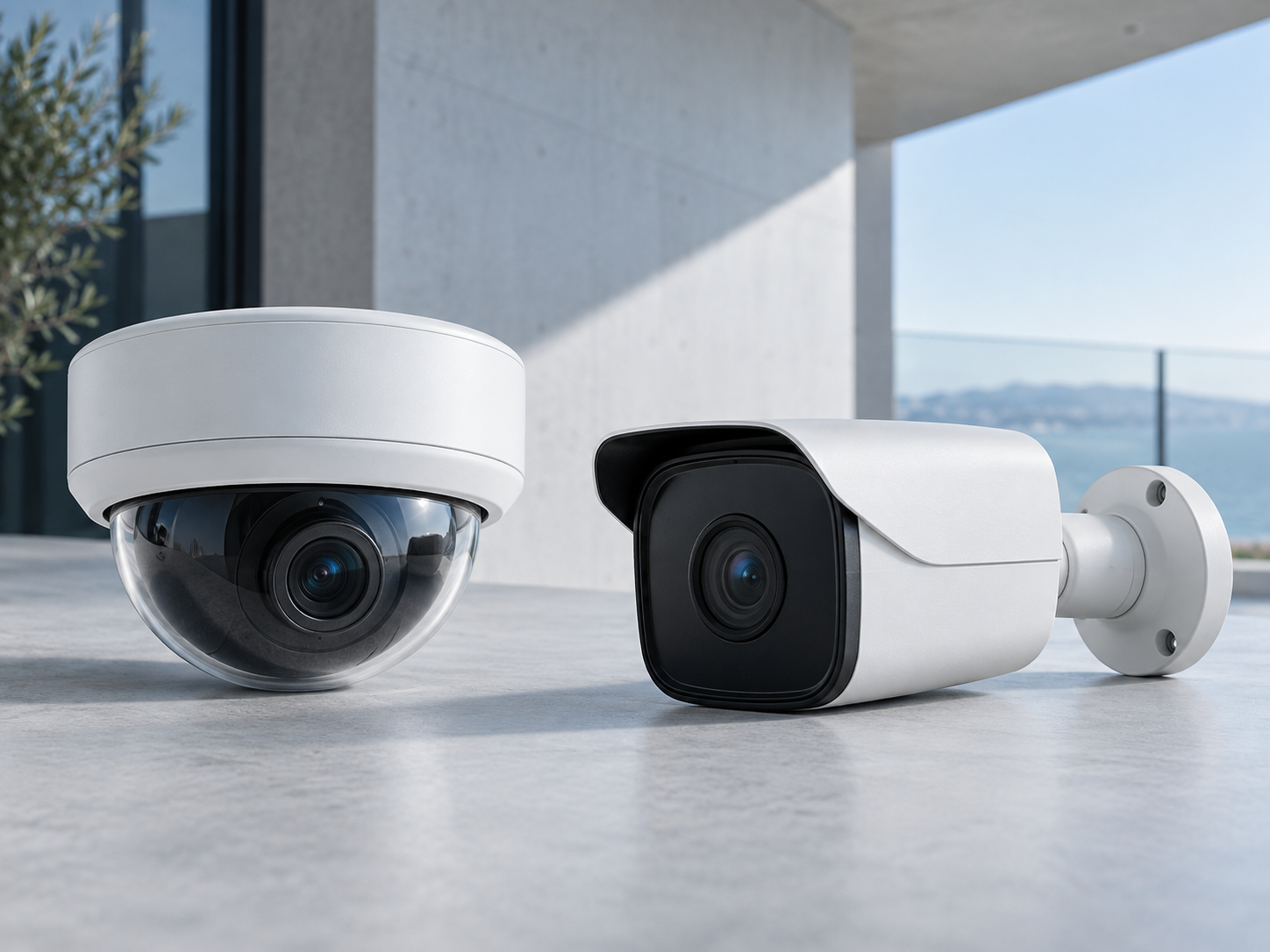
Explore camera and system directions for an initial commercial project conversation. Actual specifications remain site-dependent.
LOOK CLOSER
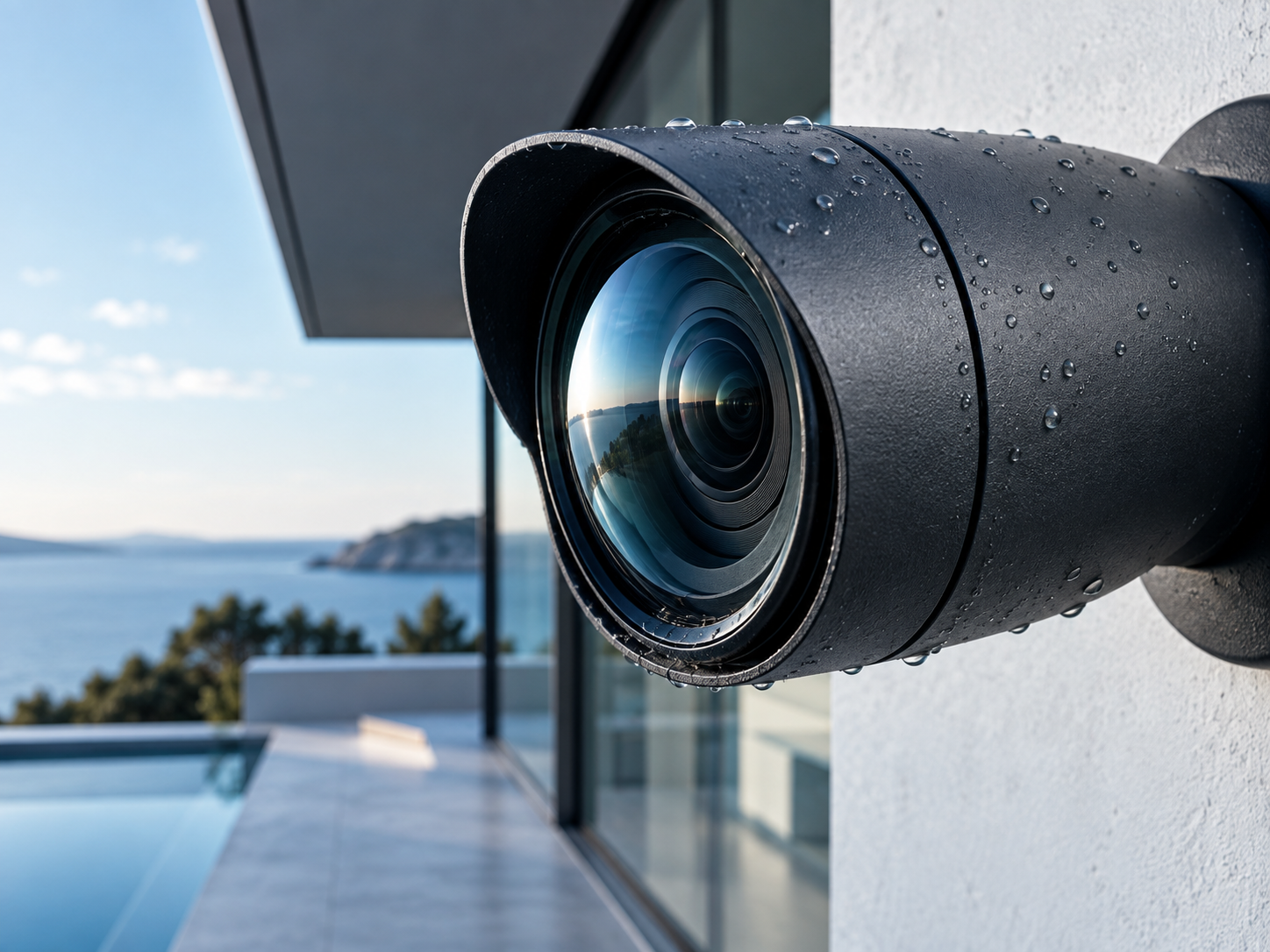
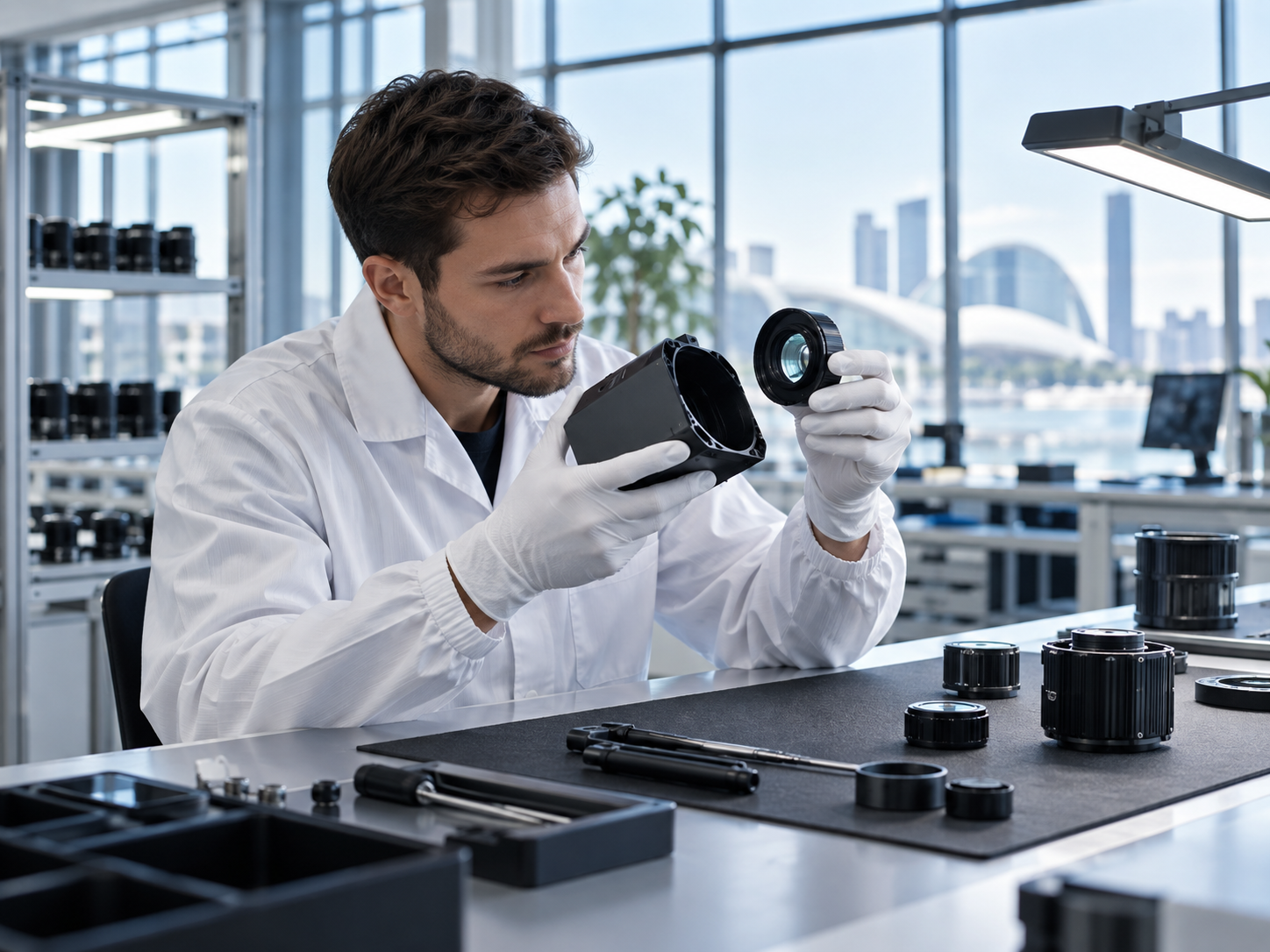
The lens and housing meet at a precise physical boundary. Actual image requirements depend on the purpose, lighting and layout of the site, not the appearance of a camera alone.
FROM PLAN TO INSTALLATION
Housing, optics and assembly are one part of a larger installation. Our product story keeps the physical device visible while connecting it to the practical questions of mounting and service.
Describe the intended commercial areas and the reason for each installation.
Gather mounting context, lighting, network and management requirements.
Include authorised access, recording policy and maintenance in the project review.
PLANNING RESOURCES
PURPOSE
A site brief is clearer when it explains the intended purpose of each area before naming equipment.
OPERATIONS
Management, access permissions and maintenance need a place in the same conversation.
SITE
Record lighting, obstructions and the way an area is used across the working day.
No. SENTRIQ is a standalone website concept. It does not access devices, footage or recording systems.
No. It collects project topics only. A real installation requires a site-specific professional assessment.
They can be added to a note on this page and downloaded locally. Nothing is submitted.
SENTRIQ / A conversation starts here
Gather the ideas that matter to you. Leave with a clearer starting point for your next conversation.