01
Record the fluid
Identify the fluid and the properties relevant to materials and operation.
Pumps & fluid systems
Pump and fluid-system concepts built around a clear application brief. Connect the fluid, the operating conditions and the installation before choosing the equipment.
Explore the systems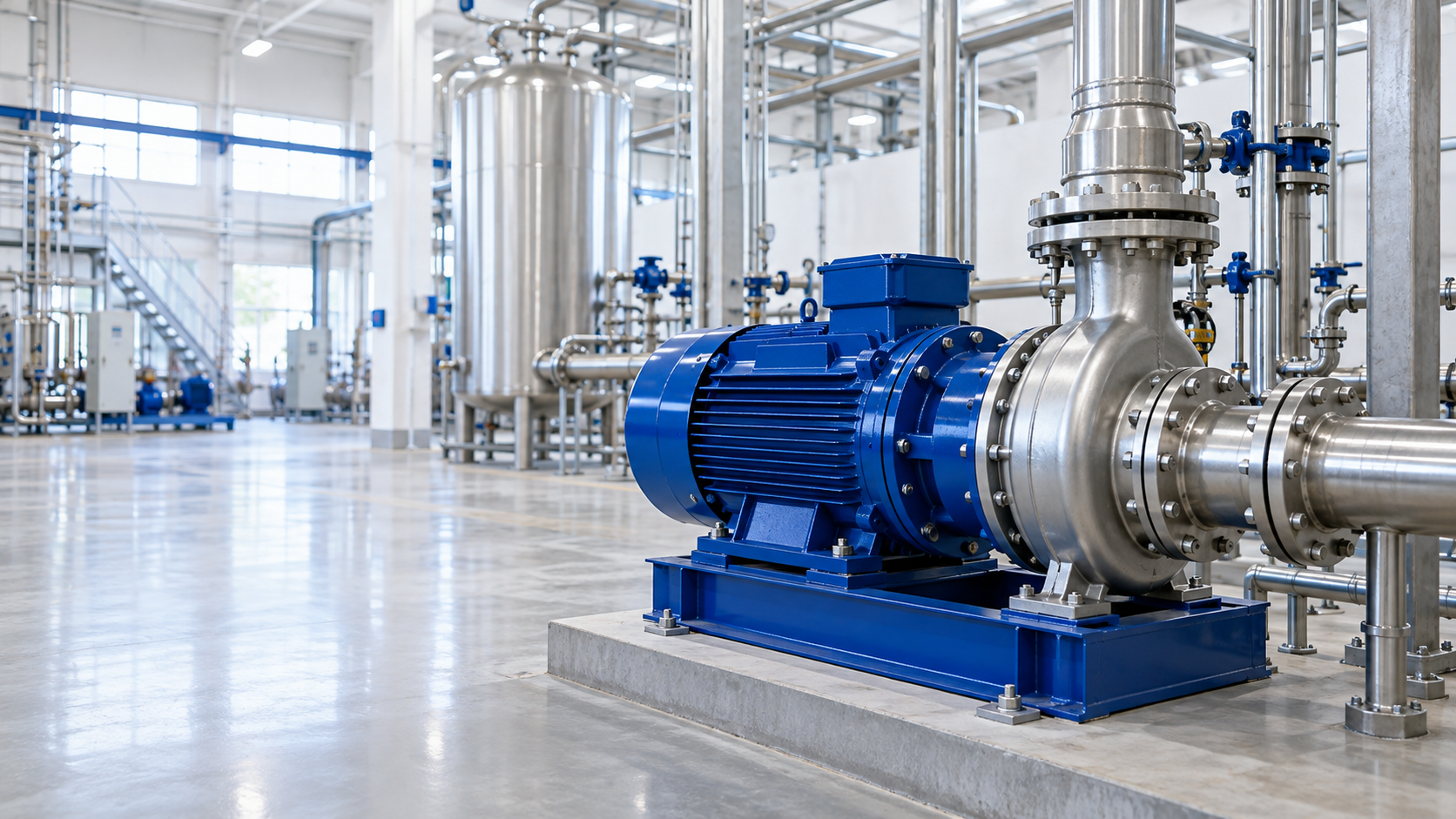
An application-led approach
A pump works within a process. Fluid properties, flow, pressure, temperature and the surrounding system all influence the selection. FLUIDEN makes the first conversation more useful by bringing those inputs together.
01
Identify the fluid and the properties relevant to materials and operation.
02
Gather flow, pressure or head, temperature, operating pattern and site conditions.
03
Use verified curves, compatibility information and a qualified system assessment to select equipment.
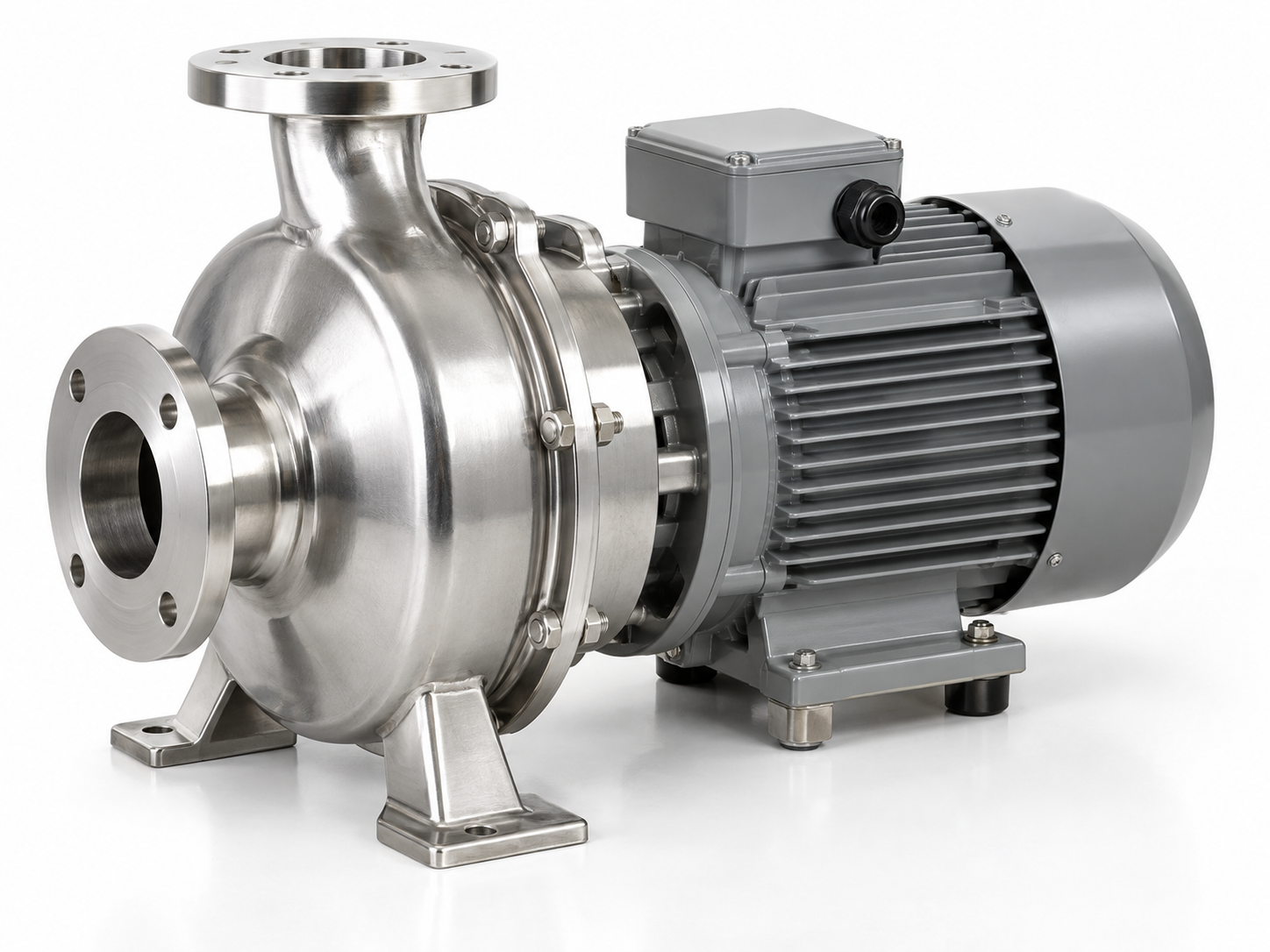
Equipment families
Three equipment directions for a fluid-handling discussion. These are concept categories, with final selection dependent on engineering assessment.
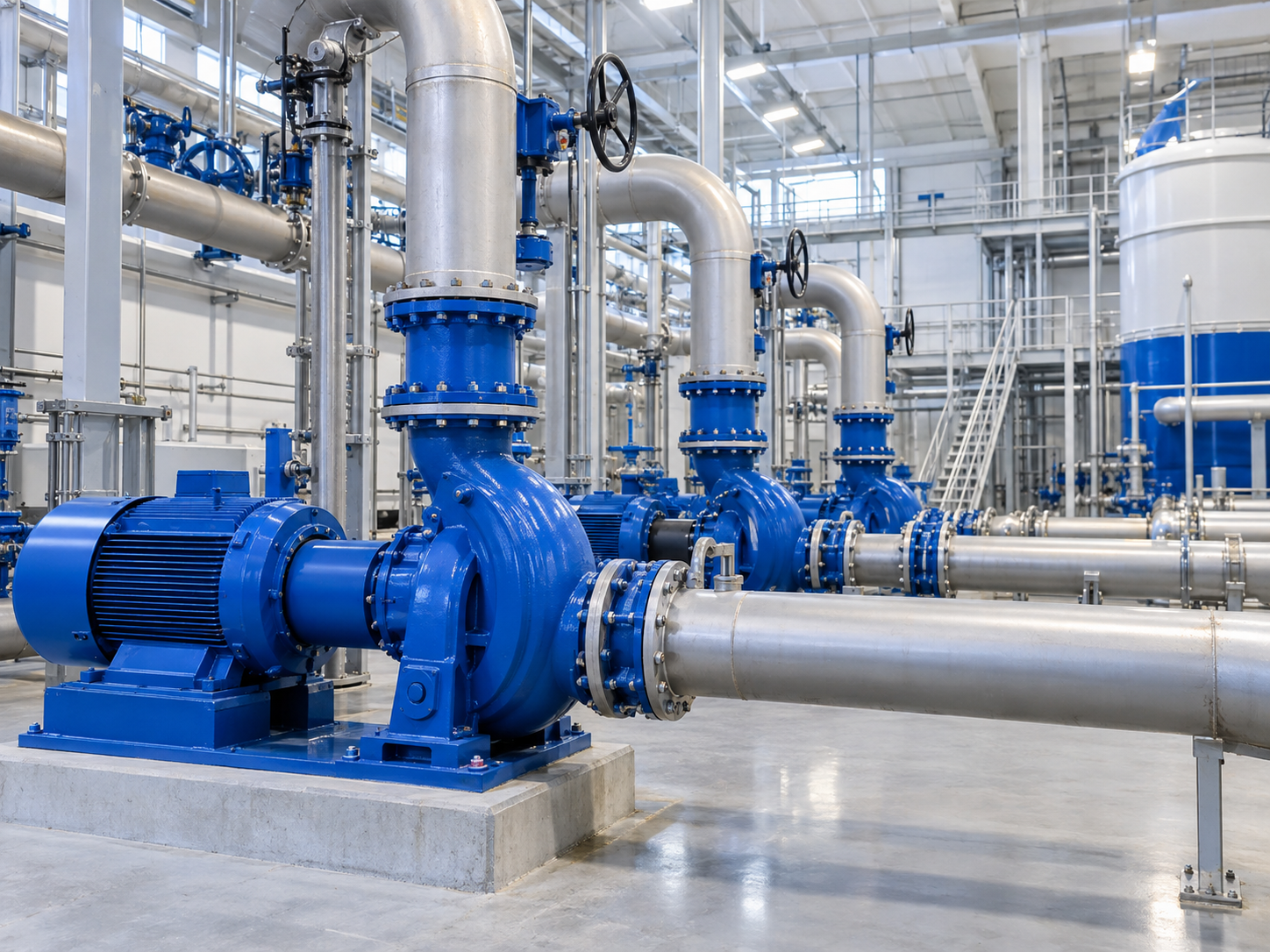
See the whole installation
Pipework, valves, controls and equipment form a working system. A useful pump brief shows where the component sits within that system.
A system is more than a pump
Components, materials and inspection requirements should follow the application. A development discussion becomes clearer when the duty, documentation and acceptance process are defined together.
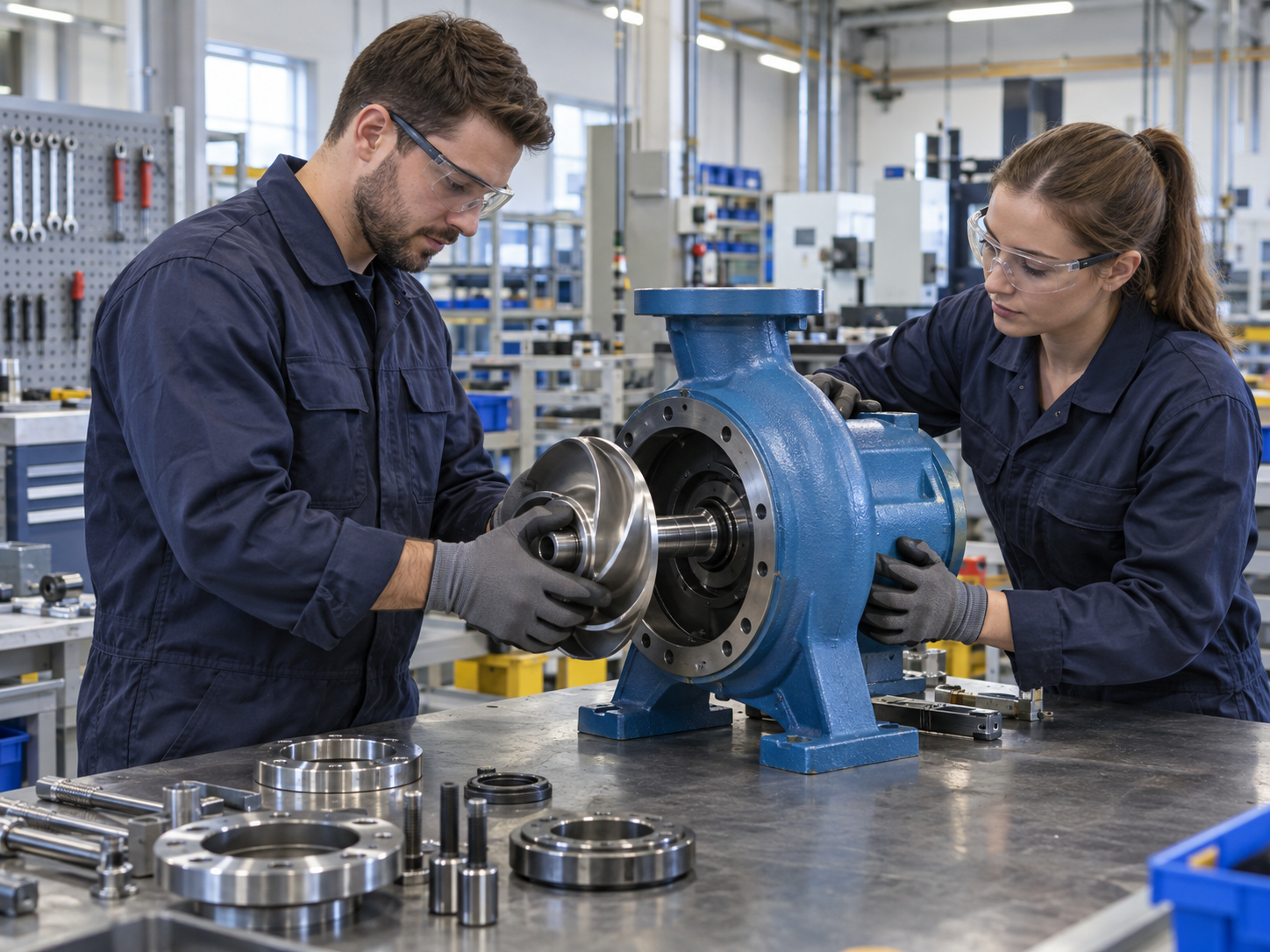
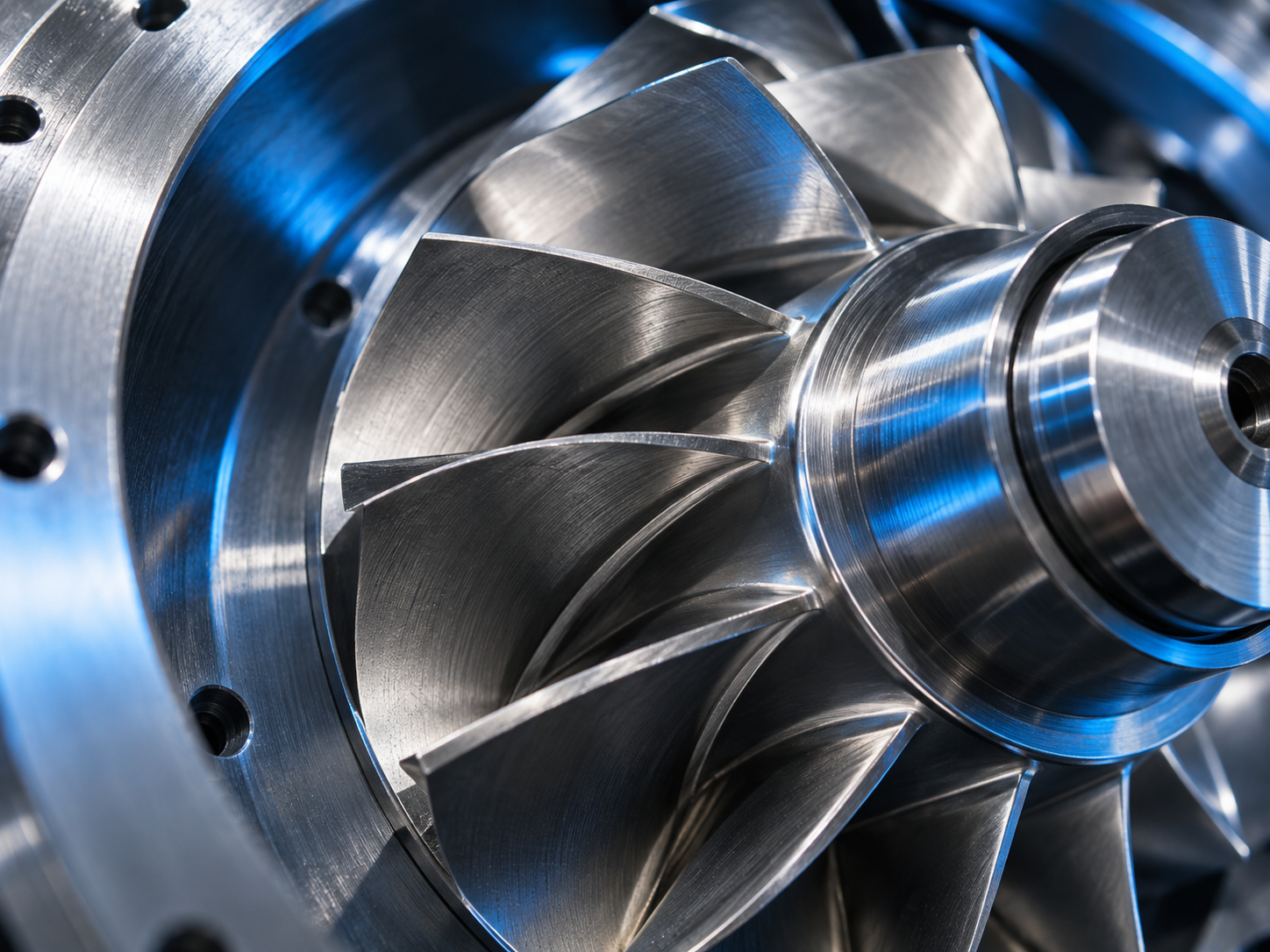
Inside the system
Impeller geometry and the surrounding components are part of a larger engineering choice. A detailed image introduces the object; actual performance must come from verified product data.
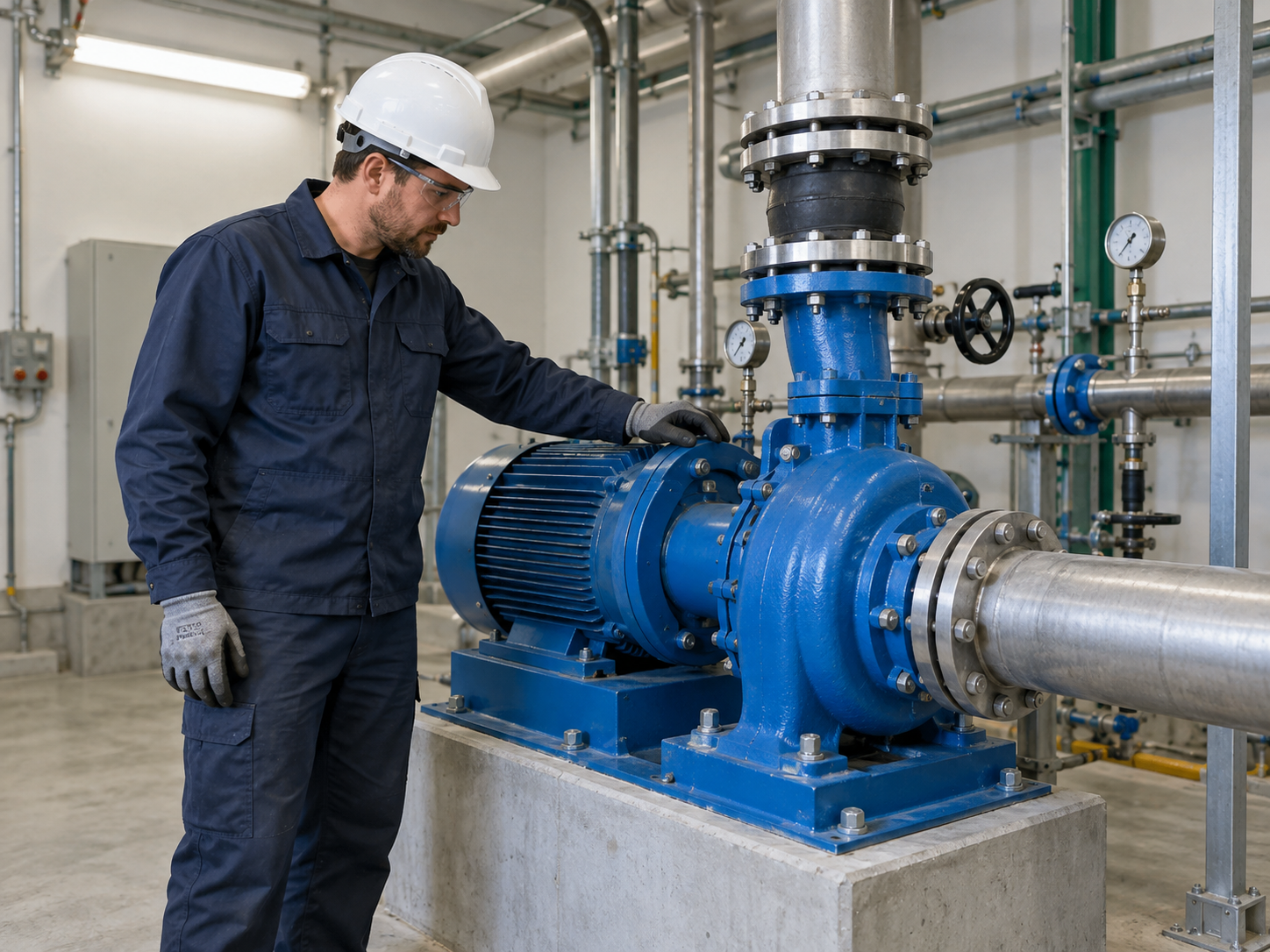
Built around the working environment
The mechanical room adds practical questions: access, maintenance, interfaces and available services. Record them alongside the operating duty.
Further reading
DUTY
A flow figure is only useful when its unit and operating context are clear.
SYSTEM
Pipework and process interfaces help explain the conditions in which a pump will operate.
SERVICE
Installation and maintenance routes deserve a place in the initial project brief.
No. It only converts L/min to m³/hour. Selection needs fluid data, system requirements, verified curves and engineering review.
This is a website concept with illustrative equipment. No performance curves or certification claims are supplied.
Add them to your project note, prepare it locally and download the text. Nothing is submitted.
FLUIDEN / A conversation starts here
Gather the ideas that matter to you. Leave with a clearer starting point for your next conversation.